
Start here
Three scenarios. Two in one click. One full DIY guide.
Watch the previews, pick your path, and run. Spidey Fly and Couch to Football Hero are ready-made — upload and generate. Flying Bike walks through every prompt step by step.
Preview coming soon
Flying Bike
Pedal once. Leave the ground. Fighter jets in the rear view.
Send your motorcycle into the sky with fighter jets — build four hero frames, animate each one, then cut together in CapCut.
Step 1
Step 1 — Generate your images
Go to Create Image → model Nano Banana Pro → upload your bike photo → generate each shot separately.
Shot 1 — Upside-Down Sky Float
Vertical photograph with a minimalist composition: most of the frame is filled with an overcast evening sky featuring a soft gradient of gray-beige and bluish tones. The light is diffused, creating a dusk/sunset feeling; clouds are blurred and low-contrast, with no sharp details. In the upper half of the frame, slightly below center, a small object floats alone — a Kawasaki Ninja H2 motorcycle, creating a subtle local glow and gentle contrast against the cold sky. There is a large amount of negative space, evoking silence and solitude; the object appears very small and distant, and it is also upside down. Soft focus, light grain, no sharpness, no people or buildings, no horizon. Realistic documentary-style photography, natural colors, no filters, no text or logos.
Shot 2 — Backflip Above the Clouds
Vertical cinematic shot in a photorealistic CGI / game-render style: above the clouds, with a bright sunrise/sunset sun in the background, a motorcycle is hovering in the center of the frame while performing a backflip (the bike is almost vertical, front wheel on top, rear wheel below). The motorcycle is a Kawasaki Ninja H2. Strong backlight: the subject is partially silhouetted, with a soft rim-light halo around the outline, glossy reflections on plastic and metal, and bright specular highlights. In the background, two modern gray jet fighters fly in parallel: one on the left in the upper part of the frame closer to the sun, the second lower on the right/bottom, adding dynamism and a sense of speed. The clouds are voluminous, layered, and soft, with warm golden light and cool gray shadows; the atmosphere has a light haze, aerial perspective, glow around the sun, and soft mist in the gaps. Photoreal 3D render / cinematic poster, ultra-detailed, realistic materials, cinematic lighting, HDR glow, volumetric clouds, high-contrast backlight, film color grading (warm golden-sandy tones + cool grays), subtle vignette, slight motion blur, moderate depth of field, sharp focus on the motorcycle. Low vantage point (upward angle), 50–85mm, vertical 9:16 frame, motorcycle centered.
Shot 3 — Diagonal Flyby
Camera positioned below the motorcycle. The frame is heavily tilted diagonally: the motorcycle moves from the bottom-left corner to the top-right, creating strong dynamism. The underside of the bike is visible: the rear wheel is visually closer to the camera and appears larger (mild perspective distortion). The subject occupies the right and central part of the frame, with lots of negative sky space around it; no horizon line visible. In the background, a blurred part of a fighter jet is faintly visible. Focus on the motorcycle; background soft, clouds slightly blurred. Minimal motion blur on the wheels (freeze-frame look). Wide-angle lens 18–28mm, strong perspective, fast shutter 1/1000. Photorealism, ultra-detailed, realistic materials, sharp edges, specular highlights, global illumination, soft bloom on highlights.
Shot 4 — Front Wheel Close-Up
Close-up of the front wheel of a Kawasaki Ninja H2 motorcycle flying through the air. In the background, a small blurred portion of a fighter jet is visible. High contrast, automotive photography style, shallow depth of field, hyperrealism, 8K resolution, ray tracing. Aspect ratio 9:16.
- Replace Kawasaki Ninja H2 in all prompts with your own bike or car model.
Step 2
Step 2 — Animate your shots
Go to Create Video → model Kling 2.5 Turbo → animate each shot with its matching prompt.
Video 1 — Cloud Fall (use Shot 1 + Shot 2 as keyframes)
The motorcycle tumbles and falls through the clouds; toward the climax, fighter jets streak past in the background. Warm sunset light, cinematic look, calm and steady camera.
Video 2 — Static Hover Zoom (use Shot 2)
Slow zoom toward the motorcycle. Slow-motion effect. The wheels are spinning. The motorcycle stays suspended in one place; the sky remains static, while only the fighter jets move very slowly across the background.
Video 3 — Orbit Right (use Shot 3)
Slow orbit move to the right. Slow-motion effect. Both wheels are spinning. A fighter jet moves very slowly in the background.
Video 4 — Orbit Left (use Shot 4)
Slow orbit move to the left. Slow-motion effect. The wheel spins forward. A fighter jet moves very slowly in the background.
- Edit all four clips together in CapCut for a full cinematic sequence — add slow-motion, sound design, and color grading for maximum impact.
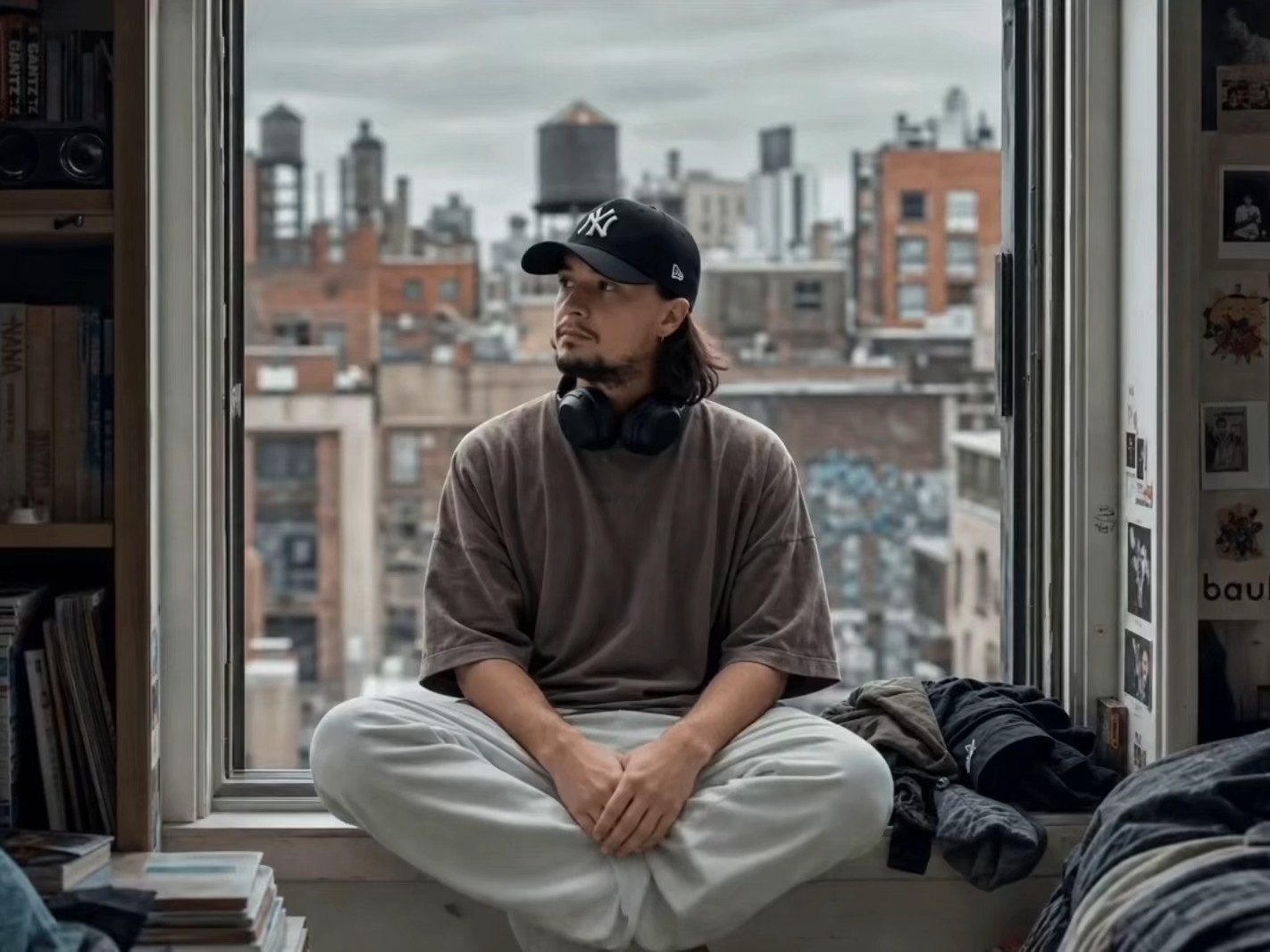
Spidey Fly
You. A city skyline. One swing through the canyon.
Upload a selfie — the scenario runs the full pipeline for you. No prompts to copy.
Upload your photo on the scenario page — prompts and pipeline are already built in.

From Couch to Football Hero
Sofa → TV glow → through the screen → match-day hero.
World Cup-style transition reel — upload photos and generate in one tap.
Upload your photo on the scenario page — prompts and pipeline are already built in.
Ready for unlimited reruns? 30% off your first month with STAY30